Showing posts with label photos. Show all posts

Tuesday, September 15, 2009

Physical Computing: Week One Lab

Week one of Physical Computing brought on two labs that were both largely associated with familiarizing ourselves with the environment we'll be working in all semester.  Specifically bread boards, the Arduino microprocessor, and basic circuits.  As such, the labs involved more hammering out the basics than they did pushing the boundaries.  That being said, with the addition of my Applications presentation this week, I wasn't exactly heartbroken to have PComp go easy on my creative side.  

The first section of the lab consisted of familiarizing ourselves with the breadboards from our tool kit.  While it's a pretty basic concept, it's still worth going over and comprehending.  Basic points are as follows:
  • The bread board consists of two parts: powered columns and isolated rows
  • Each powered column is connected along the length of the board on the left and right sides.  If these are connected to a power source and board, they then provide power to use in circuits.
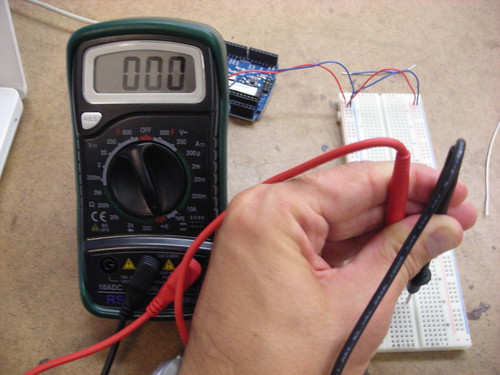
  • The isolated rows go from top to bottom in the middle of the board, and are further isolated by a divider down the middle.  This means for each row you have two sides that are isolated for use in a circuit.  The photo above illustrates a multimeter validating the continuity of a single row.
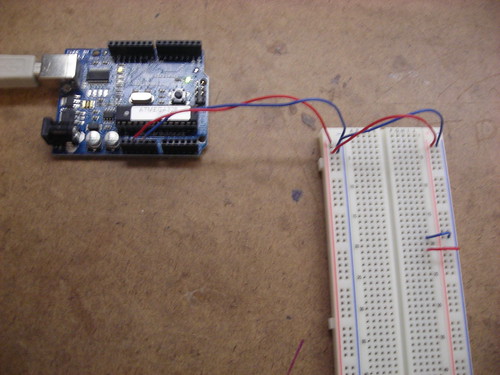
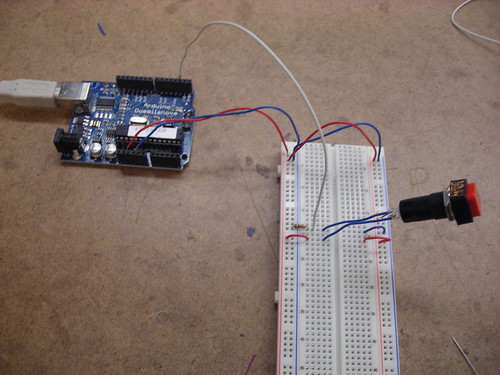
The next step was to actually power the board.  This requires a 5 volt power supply and a ground.  Above, you can see breadboard prepared and powered via the Arduino.  Note that I've also wired two rows to use the power source: one row is a ground row, the other is a powered row.

 
Once the board was powered, the next step was to add a switch.  I decided to use a standard retail switch, and wire it to the left side of the board.  The switch was connected (via the white cable, above) to a digital input of the Arduino, which would allow us to programatically track the switch's state.  This required using two rows, and the addition of a resistor.  The addition of the resistor ensures that the switches state will be reflected over the digital input wire, rather than just disappearing over the ground.
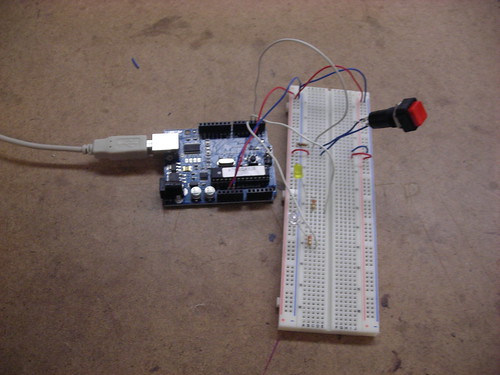
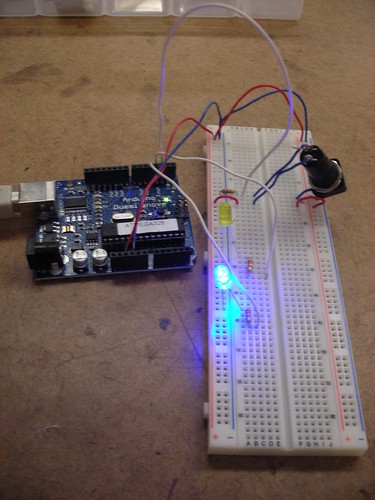
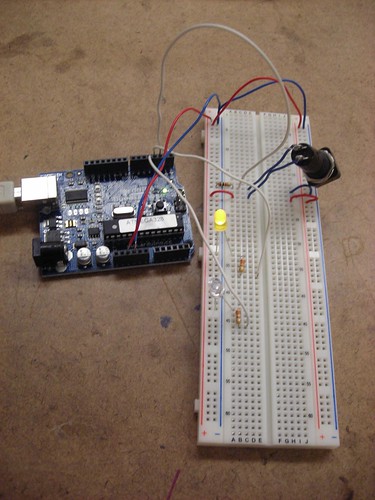
With the switch implemented, it was time to add LEDs to the board.  The Arduino program would track the state of the switch, and modulate the LEDs accordingly.  Above you can see a picture of the LEDs wired to the Arduino's digital outputs.  The resistors in place assure a minimal load on the LEDs in order to increase their life.

Finally, the setup was put to work:  I compiled and uploaded the program from the lab to the Arduino, and proceded to enable it.  Depending on the state of the switch, a different LED would be lit.  You can see the two states above, and a video of the working mechanism below.


Once the basic switch setup was complete, we were entreated to contemplate other possible applications of basic digital I/O, particularly with regard to a combination lock.  Upon considering this, most of my ideas drifted into the range of abstract or shape based locks.  While most combination locks in the real world tend to be based around numeric key pads, it seems that one could be constructed based more soundly around interacting with a grid of switches that were either uniform, or based on a wide array of shapes and sizes.  This would have the advantage of being more secure due to its abstract and spatial nature, and also being easier to remember for individuals who are already inundated with a large number of numeric codes in their lives.  One example of this implementation that already exists in the digital world is the gesture based security in the Android mobile OS.  However, there's no reason this same concept couldn't be applied to physical locks as well.

Sensor, Walk With Me


Today, as per our first Physical Computing assignment, I took the walk from ITP uptown to pick up my laundry in Chelsea.  Here's a log of some of the more notable sensors I saw in my environment.

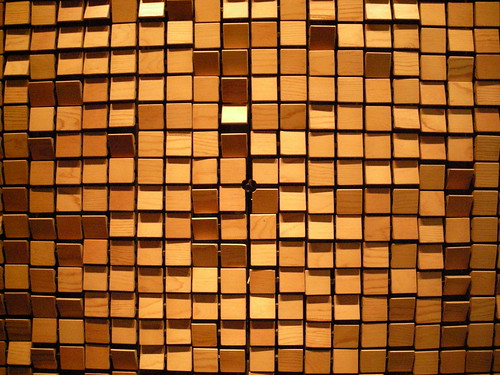
The walk started as I left ITP and walked past the "wooden mirror" - that dot in the middle is a camera!  Photo sensor to the max!
 
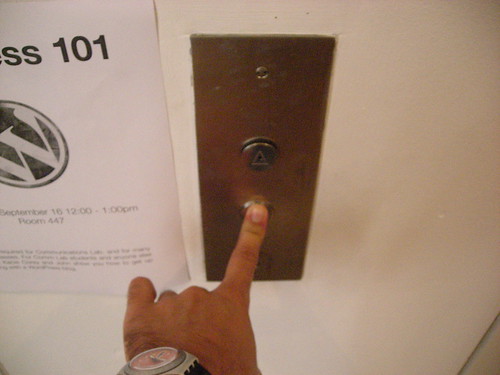
I walked on towards the elevator and interacted with a sensor on the elevator button.  Once I got inside, the button for downstairs had already been pushed, so I didn't get two sensors in one interaction...

 
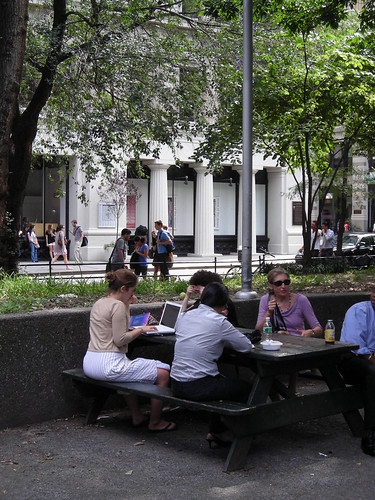
From there I walked into Washington Square Park, where I saw this woman tapping away on the sensors in her computer's keyboard.
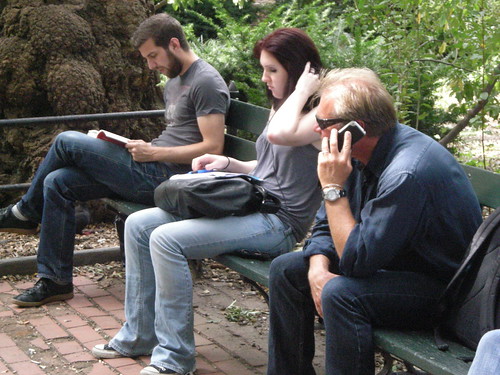
Across the way, this guy was talking on his phone - the microphone is a sensor measuring the output of his voice.
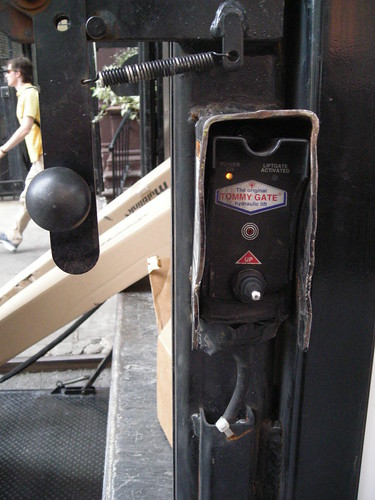
Soon after I walked past some folks loading a truck with a lift.  They didn't want to be in the photo, so I just snagged a picture of this sensor, which caused the lift to move up and down.
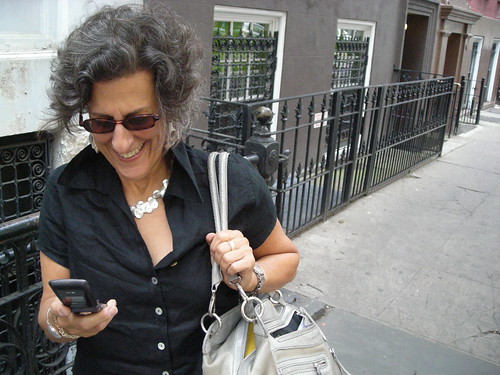
This woman was a tad more accommodating, and cracked up as I took a picture of her texting away - and more importantly, pressing the sensors of the buttons on her phone!
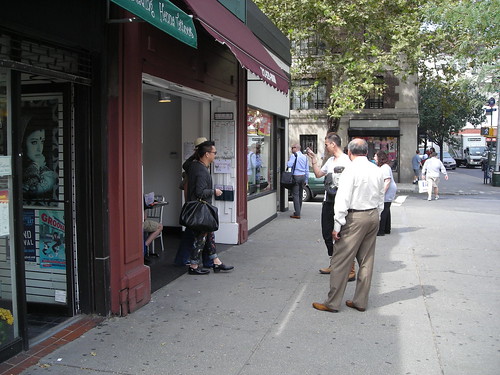
This guy was taking a picture of his friends on the street - talk about sensors:  photo sensor, distance sensor, sensor on the camera's button - techno overload!
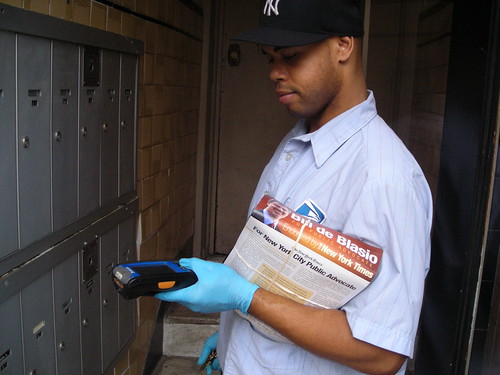
This postal worker had a fancy-schmancy device with a touch screen sensor, and he was kind enough to let me snap a shot of him using it.
 
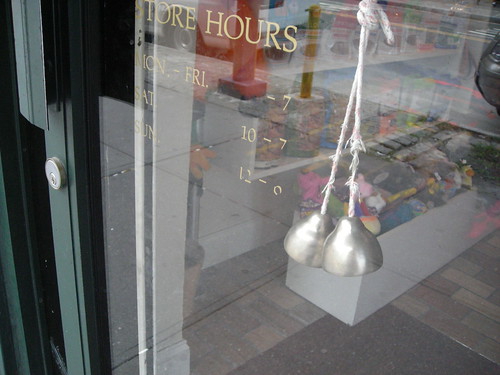
Debateable as to whether it's "really" a sensor, but it seemed like maybe these bells could qualify as a sensor to the door's motion.

 
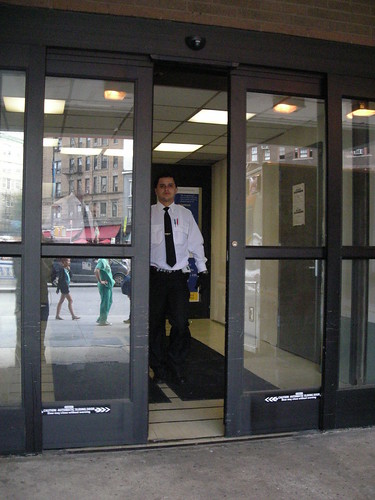
At St. Vincent's Hospital, the ER doors were equipped with motion sensors to open at a moment's notice.

 
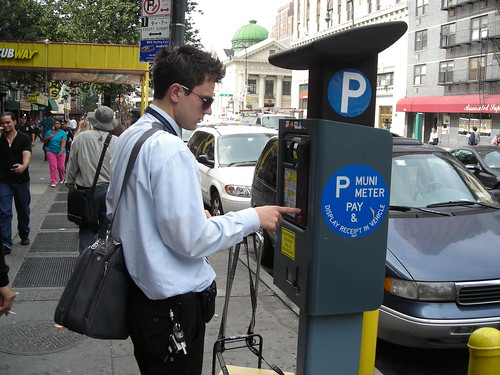
Meanwhile, New York's new parking meter slash computers provided this guy with a satisfying button press.

 
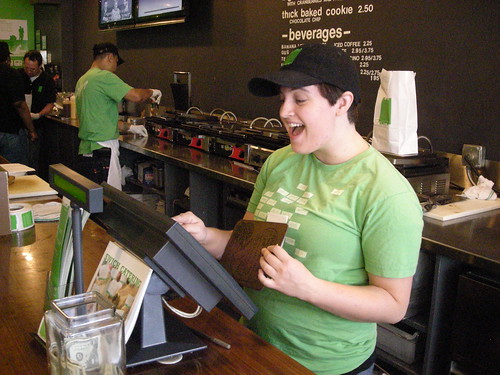
This restaurant employee uses a touch screen sensor all day, and is damned excited about it!

 
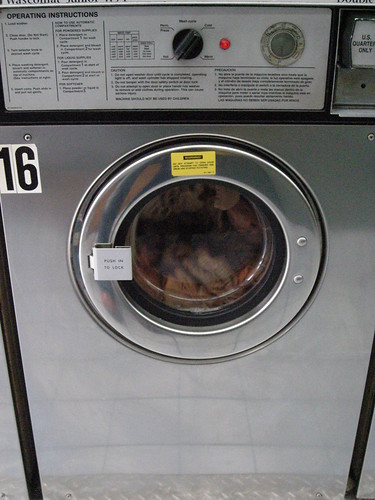
Finally, I arrived to pick up my laundry and noticed this load in progress: it's using a sensor to measure water levels before it starts to spin.

 
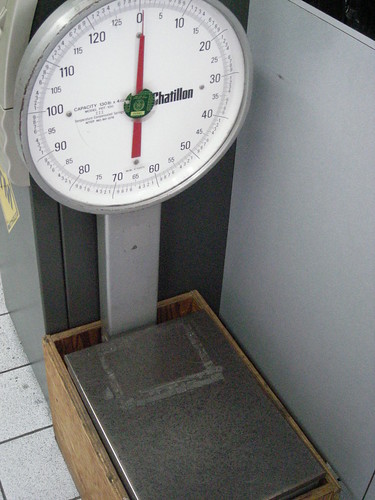
This scale is a sensor for laundry weight, and how much I'm going to be fleeced for keeping clean!

 
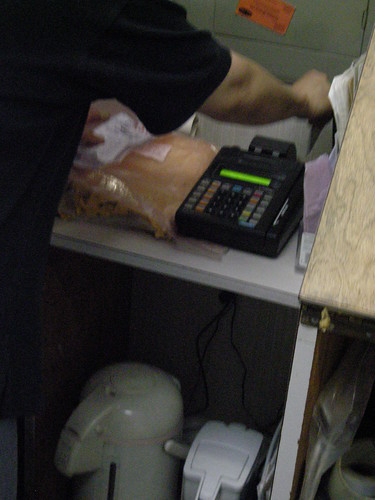
The credit card machine has two sensors:  one to read the magnetic stripe on the card...

 
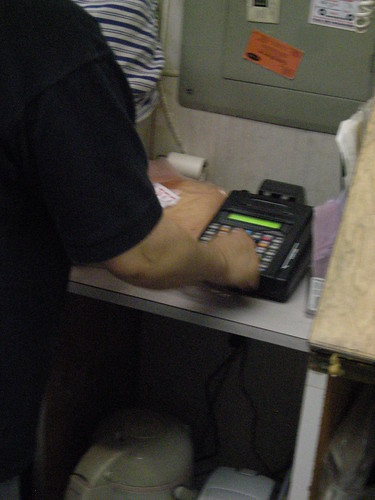
...and the other to enter data via the key pad.

So I concluded my sensor walk:  fresh laundry in hand, and a new and unique perspective on my daily route home.